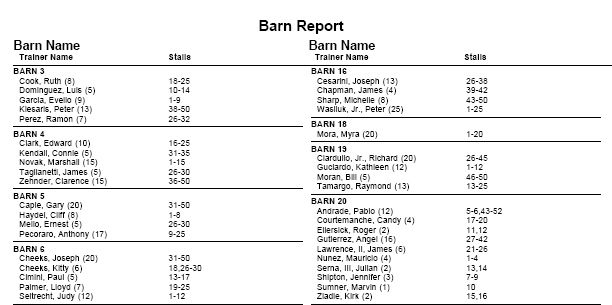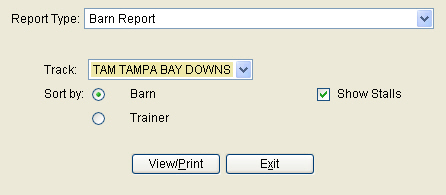
The user has the option when creating a bran report to sort by Barn or Trainer. See example below.
Report Type – Select the report you wish to generate from the drop down box.
Track – This will default to the track that the user is logged into. However if this track is part of an entity, such as NYRA, then the user will have more tracks listed in the menu.
Sort By – The user can sort by Barn or trainer and show stalls or not.
View/Print – Select "View/Print" to generate the report.
Exit – Select "Exit" to leave the screen and go back to the main menu.